Oven Control Panel Not Working? Display & Button Repair Guide Toronto
Modern ovens rely heavily on electronic control panels for operation. When displays go blank, buttons stop responding, or error codes appear, your oven becomes unusable. Here's your complete guide to diagnosing and fixing control panel issues.
Quick Answer: Oven display blank, buttons not responding, or error codes showing? Learn to diagnose control panel issues. Expert oven control repair in Toronto from JK Appliances. This is a common issue that can usually be resolved with proper troubleshooting. If the problem persists, professional diagnosis is recommended.
Common Control Panel Problems
BLANK OR DARK DISPLAY
Symptoms: No display, completely black screen, flickering Causes: Power supply issues, failed display board, loose connections Impact: Cannot set temperature, time, or cooking modes
UNRESPONSIVE BUTTONS
Symptoms: Buttons don't register presses, delayed response, stuck buttons Causes: Membrane wear, moisture damage, control board failure Result: Cannot operate oven functions properly
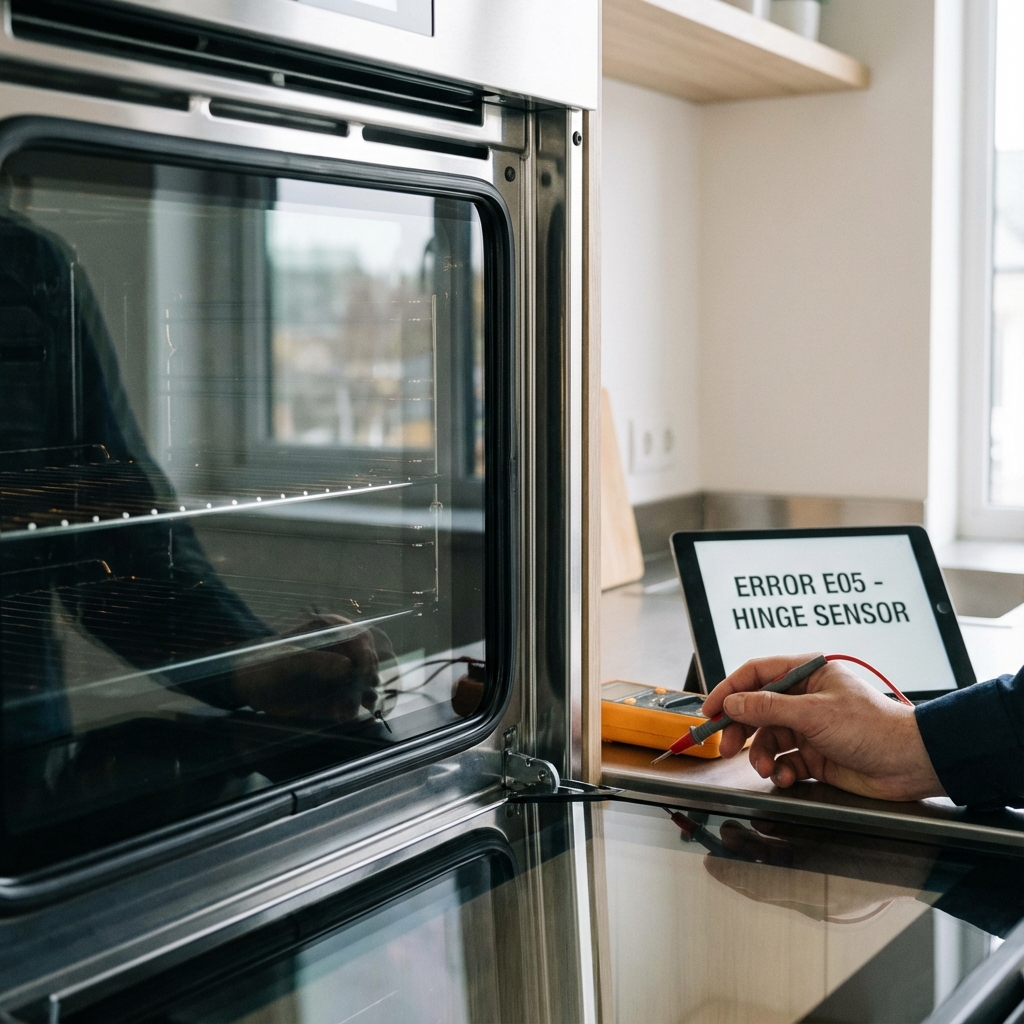
ERROR CODES DISPLAYED
Symptoms: F1, F2, F3, or other error codes showing Causes: Sensor failures, wiring issues, component malfunctions Meaning: Specific diagnostic information about problems
INCORRECT TEMPERATURE DISPLAY
Symptoms: Wrong temperature shown, erratic readings, won't change Causes: Faulty temperature sensor, control board issues, calibration problems Impact: Inaccurate cooking temperatures, poor results
CLOCK AND TIMER ISSUES
Symptoms: Clock won't set, timer doesn't work, display flashing Causes: Power interruptions, control board problems, battery failure Effect: Cannot use timed cooking functions
Understanding Error Codes
COMMON ERROR CODES BY BRAND
GE/Hotpoint Ovens
- F1: Control board failure
- F2: Oven temperature too high
- F3: Open oven temperature sensor
- F4: Shorted oven temperature sensor
- F5: Control board and oven temperature sensor mismatch
Whirlpool/KitchenAid
- F1E0: EEPROM communication error
- F1E1: Control board failure
- F2E0: Keypad/control panel communication error
- F3E0: Oven temperature sensor open
- F3E1: Oven temperature sensor shorted
Frigidaire/Electrolux
- F10: Runaway oven temperature
- F11: Shorted oven temperature sensor
- F30: Oven temperature sensor open circuit
- F31: Oven temperature sensor shorted
- F90: Door lock motor failure
Samsung Ovens
- E-27: Oven overheating
- E-08: Temperature sensor error
- SE: Door lock error
- C-21: Internal temperature too high
INTERPRETING ERROR MESSAGES
- Note exact code displayed
- Check user manual for brand-specific meanings
- Record when it appears (startup, during cooking, etc.)
- Note any patterns (intermittent vs. constant)
Diagnostic Steps
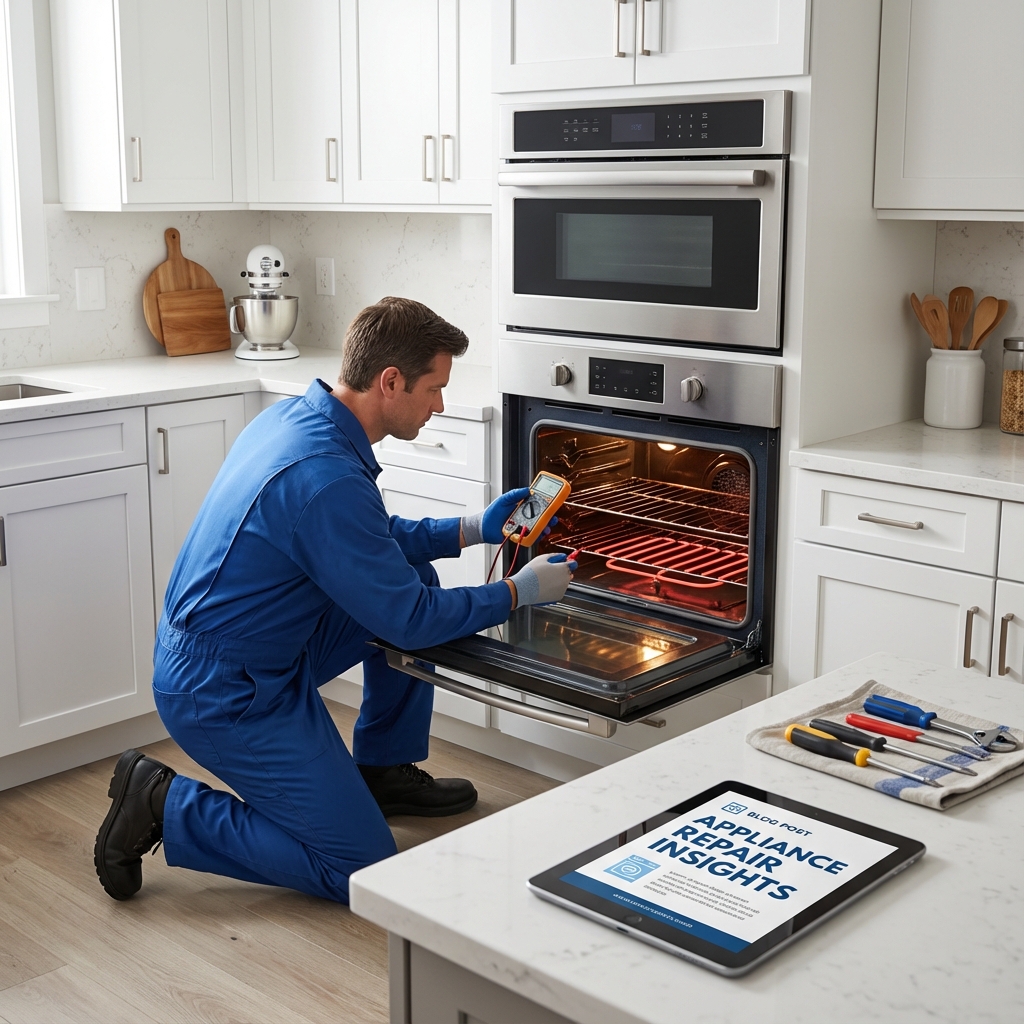
INITIAL CHECKS
Power Supply Verification
- Check circuit breaker - ensure it hasn't tripped
- Test outlet voltage with multimeter (240V for electric)
- Inspect power cord for damage or loose connections
- Verify proper grounding
Visual Inspection
- Look for obvious damage to control panel
- Check for moisture or spill damage
- Inspect button condition - stuck, cracked, or worn
- Examine display for cracks or dark spots
Connection Assessment
- Turn off power at breaker
- Remove control panel (if accessible)
- Check wire connections for looseness or corrosion
- Inspect ribbon cables for damage
FUNCTIONAL TESTING
Button Response Test
- Press each button systematically
- Note which respond and which don't
- Test button combinations (like temperature + time)
- Check for stuck buttons that won't release
Display Function Test
- Power on oven and observe startup sequence
- Check all display segments work properly
- Test different modes (bake, broil, self-clean)
- Verify temperature display accuracy with separate thermometer
Sensor Testing
- Access temperature sensor (usually in oven cavity)
- Test resistance with multimeter (should be ~1100 ohms at room temp)
- Check sensor wiring for continuity
- Verify proper sensor mounting
DIY Troubleshooting
POWER RESET PROCEDURE
- Turn off circuit breaker for 5 minutes
- Unplug oven if accessible
- Wait for complete power drain
- Restore power and test operation
- Check if error codes clear
CLEANING CONTROL PANEL
- Turn off power completely
- Use mild soap solution on damp cloth
- Avoid excess moisture around buttons
- Clean button crevices with cotton swabs
- Dry thoroughly before restoring power
BUTTON UNSTICKING
- Power off oven for safety
- Gently work stuck buttons up and down
- Use compressed air to blow out debris
- Apply small amount of electronic contact cleaner
- Test operation after cleaning
SIMPLE CALIBRATION CHECK
- Use oven thermometer to verify actual temperature
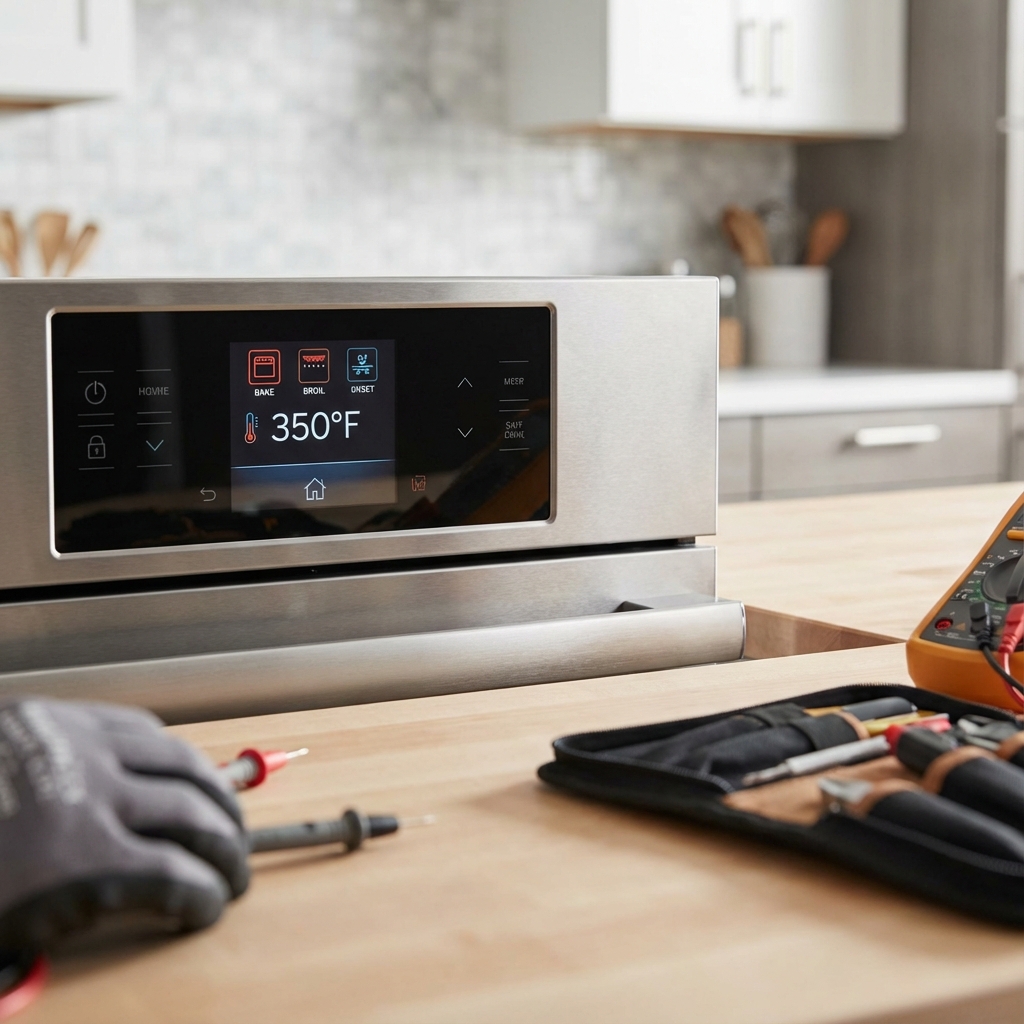
- Set oven to 350°F and let preheat
- Compare display to thermometer reading
- Note difference for calibration adjustment
- Consult manual for calibration procedure
Professional Repair Situations
CONTROL BOARD REPLACEMENT
Required when:
- Multiple error codes appear
- Display completely dead
- Buttons completely unresponsive
- Erratic behavior across functions
Professional needed because:
- Complex disassembly required
- Programming may be needed
- Warranty considerations
- Electrical safety concerns
DISPLAY MODULE REPLACEMENT
Symptoms requiring professional service:
- Cracked or damaged display
- Partial display segments not working
- Flickering or unstable display
- Display shows wrong information
MEMBRANE KEYPAD REPLACEMENT
When to call professionals:
- Multiple buttons not working
- Membrane visibly damaged
- Moisture damage evident
- Buttons physically broken
WIRING HARNESS REPAIR
Professional service needed for:
- Burnt or melted wires
- Multiple connection failures
- Internal wiring damage
- Safety system involvement
Safety Considerations
ELECTRICAL SAFETY
- Always turn off power at breaker before work
- Use proper tools rated for electrical work
- Don't work on live circuits
- Call professionals for complex electrical issues
CONTROL BOARD HANDLING
- Use anti-static precautions when handling boards
- Avoid touching circuit components directly
- Store properly if removing for testing
- Handle with care - boards are fragile
GAS OVEN PRECAUTIONS
- Never disconnect gas safety systems
- Don't bypass safety interlocks
- Ensure proper ventilation
- Call professionals for gas-related control issues
Prevention and Maintenance
DAILY CARE
- Keep control panel dry - wipe spills immediately
- Use gentle pressure when pressing buttons
- Avoid harsh cleaners on control surfaces
- Don't slam oven door - can affect electronics
REGULAR MAINTENANCE
- Clean control panel weekly with appropriate cleaners
- Check for loose connections during routine cleaning
- Inspect for wear signs on buttons and display
- Keep manual handy for error code reference
POWER PROTECTION
- Use surge protectors for valuable appliances
- Consider whole-house surge protection
- Unplug during storms if possible
- Report power quality issues to utility company
Toronto-Specific Considerations
POWER GRID ISSUES
Hydro One fluctuations: Can damage sensitive electronics Older home wiring: May not provide stable power Condo electrical: Shared systems can cause interference
CLIMATE EFFECTS
Winter heating: Can cause condensation in electronics Summer humidity: May affect control panel operation Temperature swings: Can cause expansion/contraction issues
SERVICE AVAILABILITY
- Parts availability: Most control boards available locally
- Warranty service: Authorized dealers throughout GTA
- Emergency service: JK Appliances offers same-day repair
Cost Analysis
DIY SOLUTIONS
- Power reset: Free
- Cleaning supplies: $10-20
- Basic tools: $30-50
- Contact cleaner: $15-25
PROFESSIONAL REPAIRS
- Control board replacement: $300-600
- Display module: $200-400
- Membrane keypad: $150-300
- Diagnostic fee: $100-150 (often applied to repair)
REPLACEMENT CONSIDERATIONS
- New oven: $800-3000+
- Repair vs. replace: Consider age and other issues
- Warranty coverage: Check if still under warranty
Troubleshooting by Symptom
DISPLAY ISSUES
Completely blank:
- Check power supply
- Test control board connections
- Verify display module
- Consider control board failure
Partial display:
- Check for physical damage
- Test display connections
- Look for moisture damage
- May need display replacement
Flickering display:
- Check power stability
- Inspect connections
- Test for interference
- May indicate failing display
BUTTON PROBLEMS
No response:
- Try power reset
- Clean button contacts
- Check membrane integrity
- Test control board
Intermittent response:
- Clean thoroughly
- Check for moisture
- Test button mechanism
- Consider membrane replacement
Stuck buttons:
- Clean around button
- Work button gently
- Check for debris
- May need keypad replacement
When to Call Professionals
IMMEDIATE PROFESSIONAL HELP
- Electrical burning smell
- Sparks or arcing
- Multiple system failures
- Safety system malfunctions
COMPLEX ISSUES
- Multiple error codes
- Intermittent problems
- Warranty concerns
- Gas safety involvement
COST-EFFECTIVE REPAIRS
- Control board replacement
- Display module issues
- Complex wiring problems
- Programming requirements
Emergency Procedures
IF CONTROL PANEL SPARKS
- Turn off power immediately at breaker
- Don't touch the control panel
- Ventilate area if any smoke
- Call professional immediately
- Don't attempt to use oven
IF ERROR CODES WON'T CLEAR
- Try power reset procedure
- Check user manual for specific codes
- Note any patterns in code appearance
- Document symptoms for technician
- Avoid continued use if safety-related
FAQ
Q: Can I replace a control board myself? A: While possible, it requires electrical knowledge and may void warranty. Professional installation recommended.
Q: Why does my oven display show the wrong time after power outages? A: Most ovens don't have battery backup. You'll need to reset the clock after power interruptions.
Q: What does it mean when my oven beeps continuously? A: Usually indicates an error condition. Check for error codes and consult your manual.
Q: Can moisture damage be repaired? A: Depends on extent. Minor moisture may dry out, but corrosion damage typically requires component replacement.
Q: How long do oven control boards typically last? A: With normal use, 8-12 years. Power surges and moisture can shorten lifespan significantly.
Don't let control panel problems keep you from cooking. JK Appliances specializes in oven electronic repairs throughout Toronto. Our certified technicians can diagnose and fix any control panel issue. Call (647) 560-8966 or book online for same-day service.
Common Questions People Ask
Q: Is it normal for my oven control panel to working? display & button repair guide toronto? No, this is not normal behavior and indicates an underlying issue that should be addressed promptly to prevent further damage.
Q: Can I fix this oven control panel problem myself? Some basic issues can be resolved with DIY troubleshooting, but complex problems require professional diagnosis to avoid safety risks and warranty issues.
Q: How much does professional oven control panel repair cost in Toronto? Repair costs typically range from $150-$400 depending on the specific issue and parts needed. Our technicians provide free estimates before any work begins.
Q: How long does oven control panel repair take? Most repairs are completed within 1-2 hours during a single visit. Some cases may require ordering specialty parts with a follow-up appointment.
Q: Should I repair or replace my oven control panel? If your oven control panel is less than 8 years old and repair costs are under 50% of replacement cost, repair is usually the better value. Our technicians can help you make the right decision.
Q: Do you offer same-day oven control panel repair in Toronto? Yes! We offer same-day and emergency repair services throughout Toronto and the Greater Toronto Area for urgent issues.
Q: What brands of oven control panel do you repair? We service all major brands including Bosch, Samsung, LG, Whirlpool, KitchenAid, GE, Maytag, Frigidaire, Miele, and more.
Q: Is oven control panel repair covered by warranty? Many oven control panel issues are covered under manufacturer warranty. We can help verify your warranty status and handle claim processing.
Expert Tips & Pro Insights
💡 Pro Tip: Regular maintenance can prevent 80% of appliance problems. Follow manufacturer guidelines for cleaning and care.
⚠️ Safety Warning: Always disconnect power before attempting any repairs or inspections. If you smell gas, evacuate immediately and call emergency services.
🔧 Technician Insight: Many issues that seem complex often have simple solutions. Start with basic troubleshooting before assuming the worst.
📞 When to Call a Professional: If you encounter electrical components, gas lines, refrigerant systems, or if basic troubleshooting doesn't resolve the issue, it's time to call an expert.